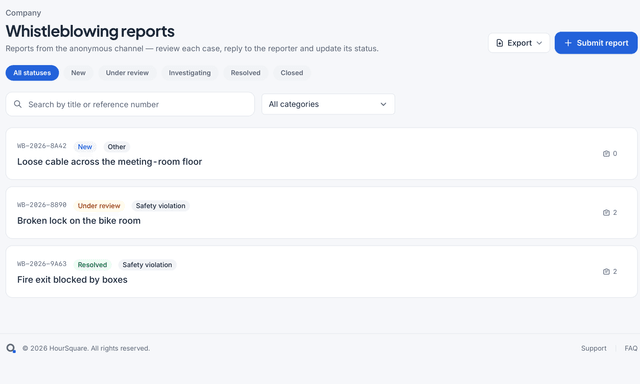
Features

Every module, one employee record.

Onboarding, leave, time tracking, payroll, the people directory and an anonymous speak-up channel — built as one product, so the record HR keeps is the record every module reads.

Free forever up to 10 peopleEvery module includedNo card to sign up

The six modules

Start with the one you need first.

Each module stands on its own and gets stronger when the others are switched on. Pick your first problem; the rest is waiting.

One record

Enter a person once. Every module reads the same record.

The contract you sign at onboarding is the contract leave accrues against and payroll pays from. No exports between modules, no re-keying, no two versions of the truth.

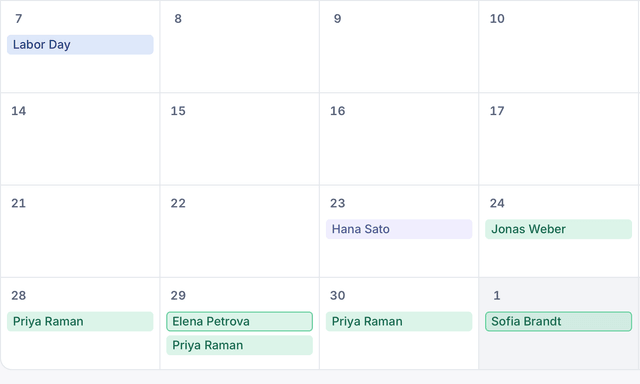
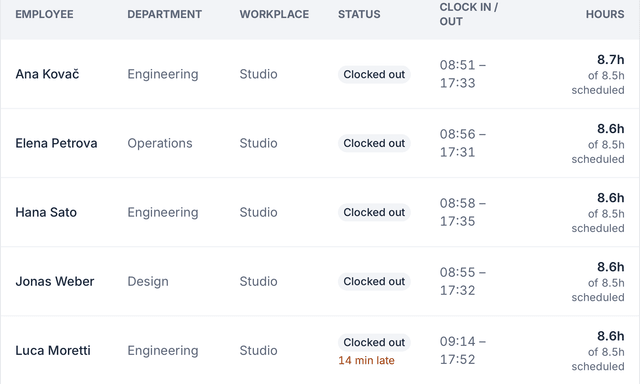
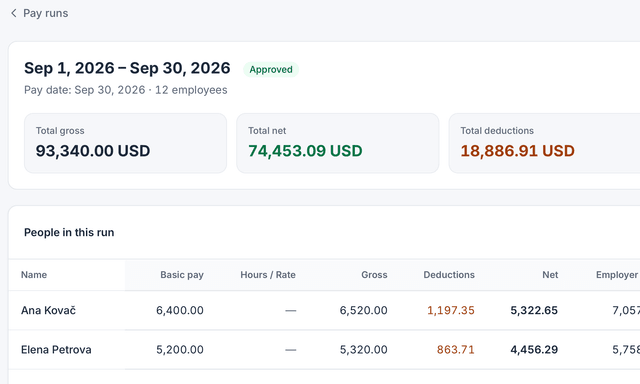
  • Approved timesheets and leave flow into the pay run for that period
  • Adding an employee creates the record every other module uses, and can start their onboarding
  • Reports and dashboards read the same data HR edits — no separate warehouse
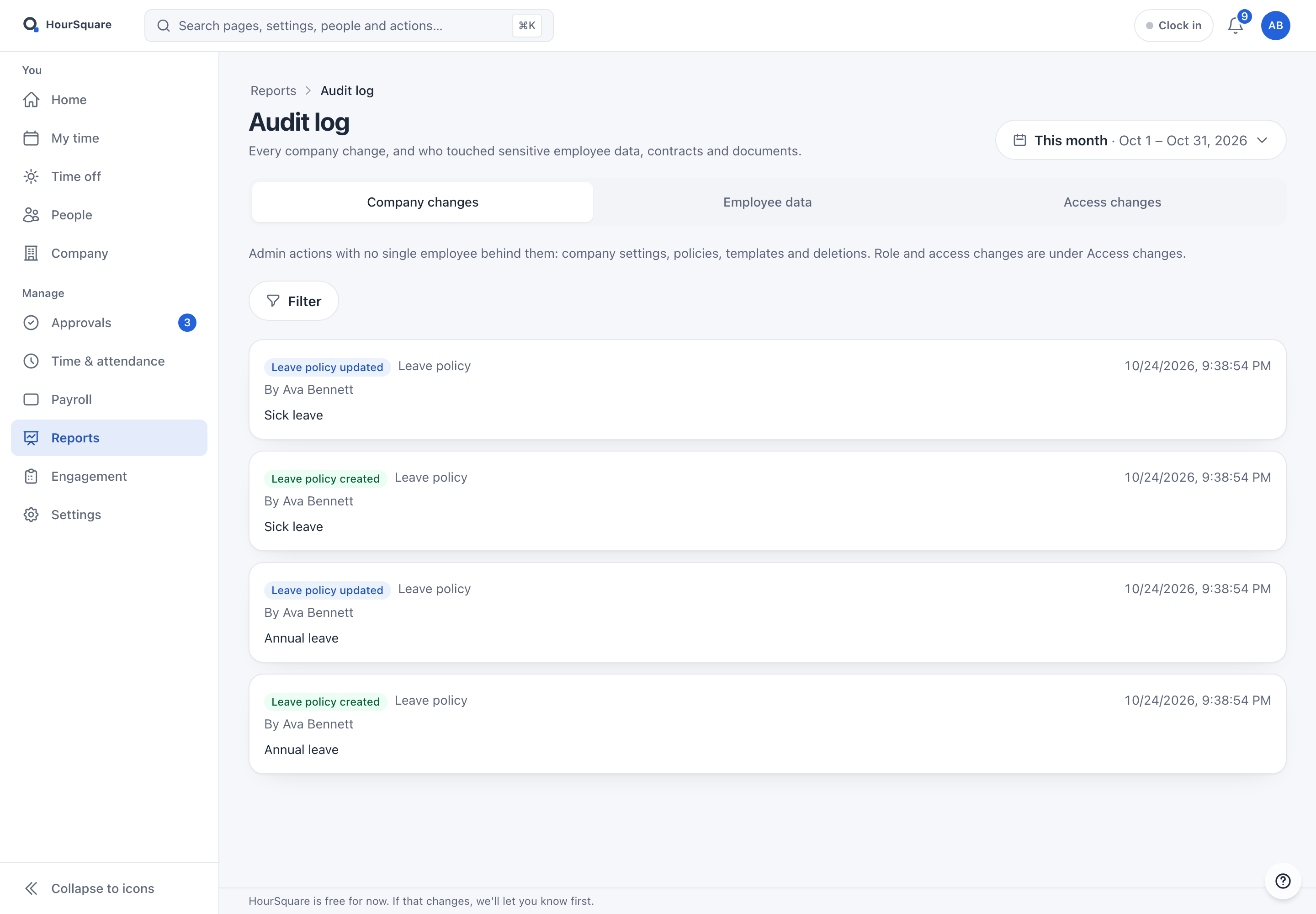
  • One audit log for employee records and settings, so each change has a who and a when
See the people directory
hub.hoursquare.com
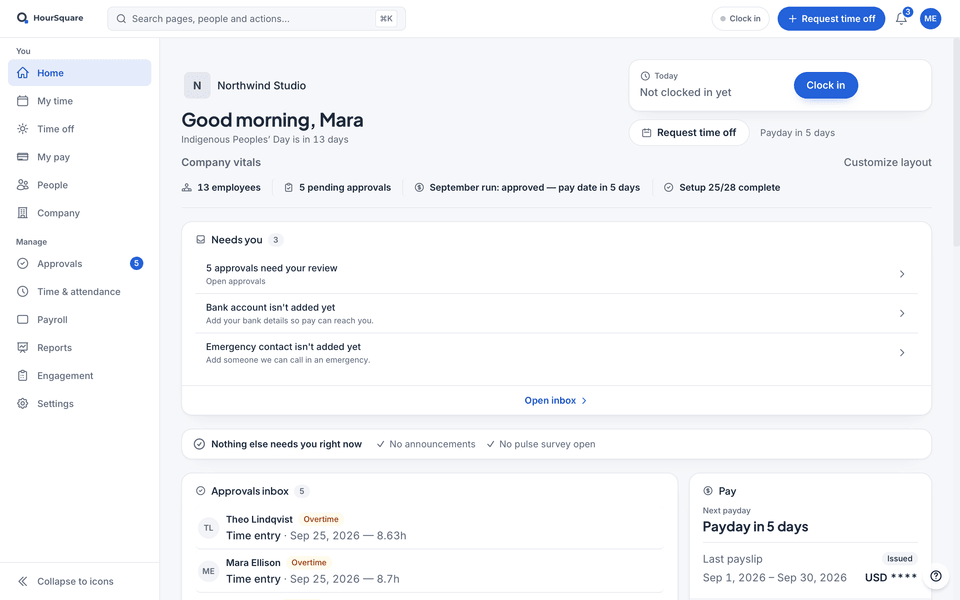
HourSquare home for a company owner, with demo data: company vitals, a “Needs you” list led by the approvals waiting, then the approvals inbox and pay cards, next to the You and Manage sidebar.

HourSquare home for a company owner, with demo data: company vitals, a “Needs you” list led by the approvals waiting, then the approvals inbox and pay cards, next to the You and Manage sidebar.

Real HourSquare screens, filled with a made-up demo company.

On real screens

The rest of the platform, screen by screen.

Choose an area to see two of its screens in the Hub, filled with a made-up demo company. Each one says who uses it and what it does.

Org chart

Who uses it: everyone can look; HR keeps it right.

  • Drawn from the manager on each person's record, so it changes when the record does
  • Tree or list, expand or collapse, and Find me to jump to yourself
  • Search by name, position or department
More about people and the org chart
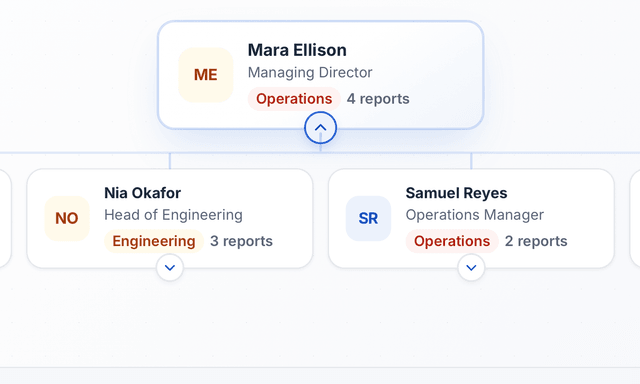
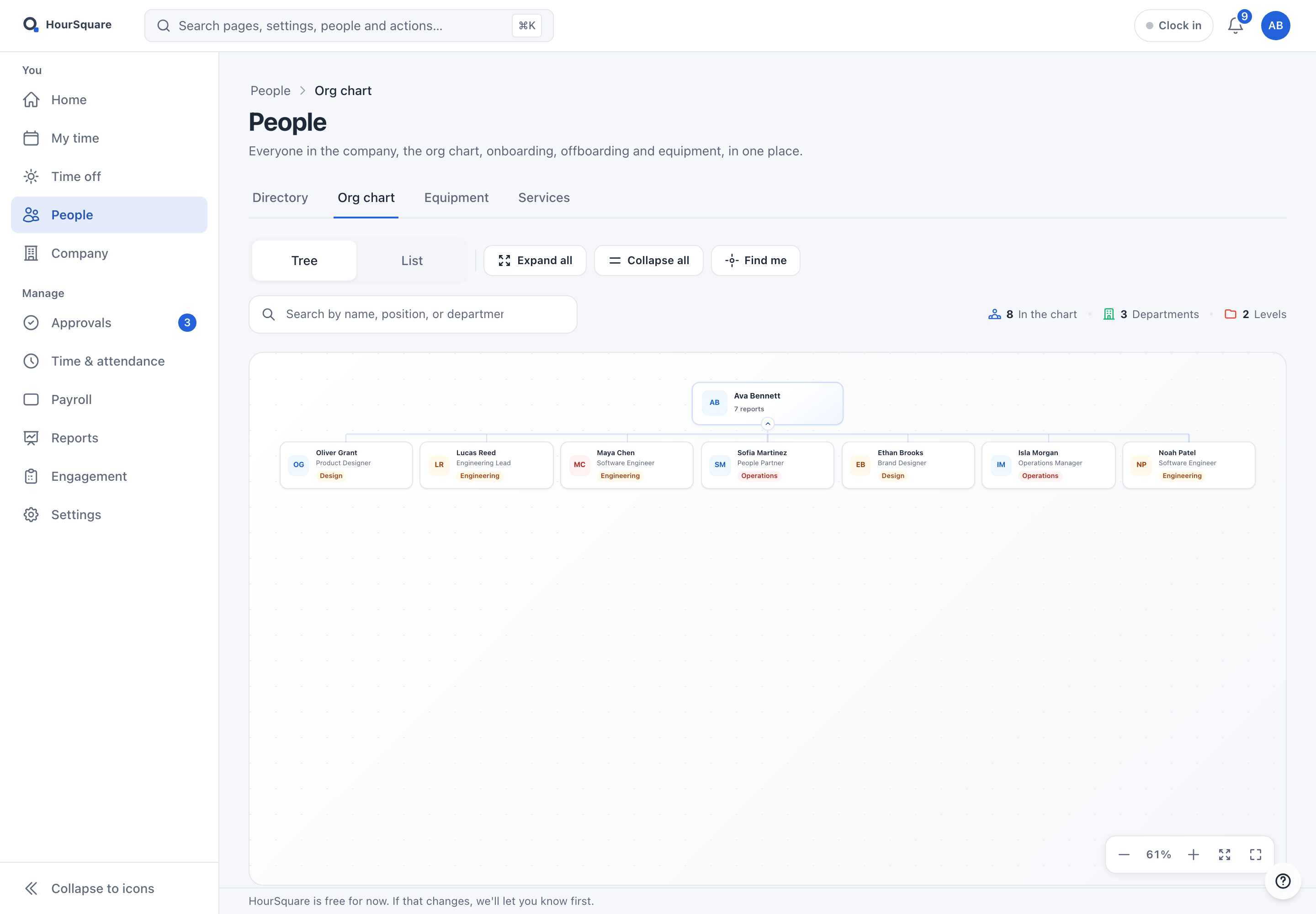
HourSquare org chart: Ava Bennett at the top with seven people reporting to her, each card showing a position and a department.
Real Hub screenThe demo company's org chart: 8 people, 3 departments, 2 levels.

The demo company's org chart: 8 people, 3 departments, 2 levels.

Contract templates

Who uses it: HR and whoever prepares contracts.

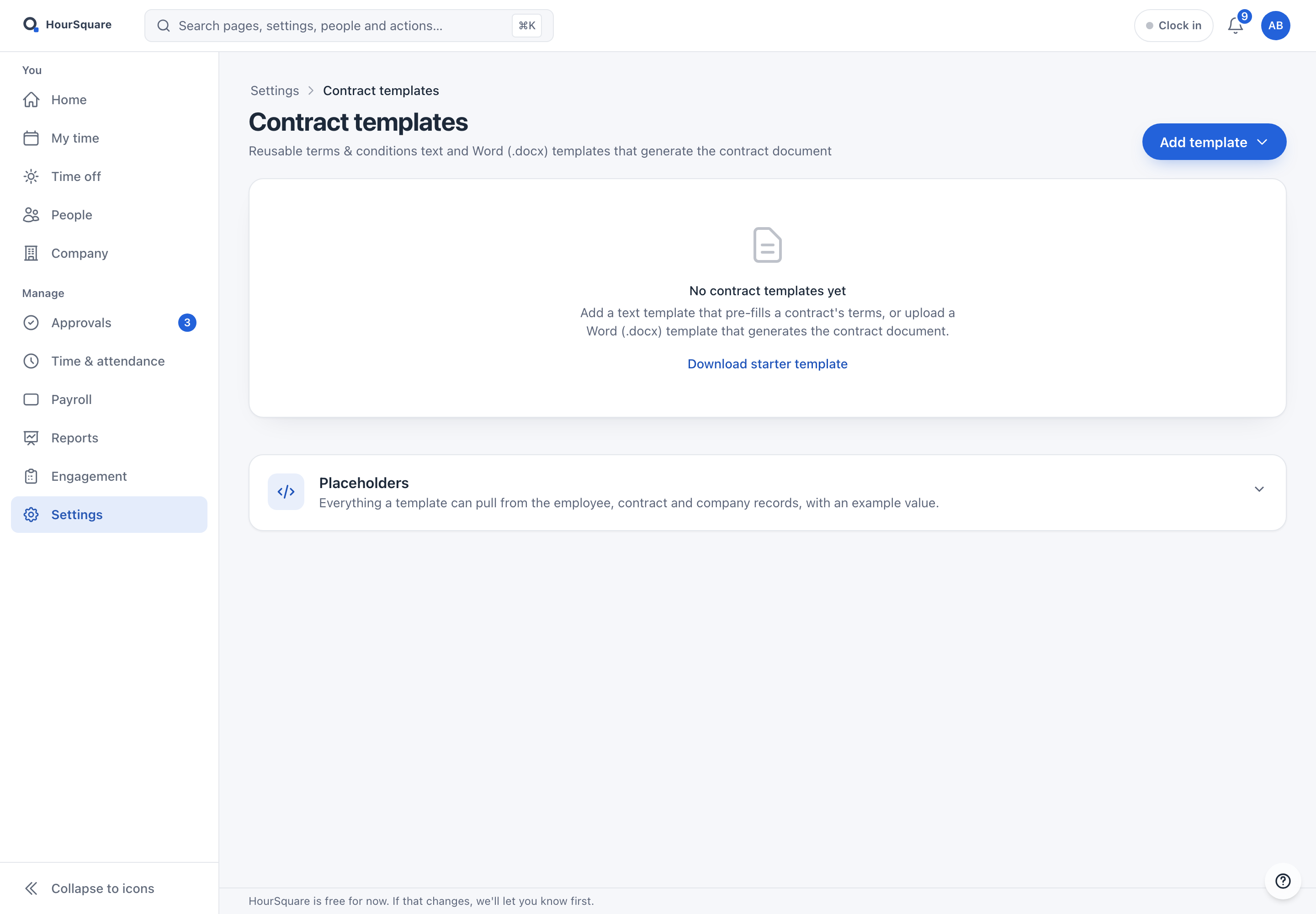
  • Write the terms once as text, or upload a Word (.docx) template that produces the contract document
  • Placeholders fill in details from the employee, contract and company records
  • A starter template to download and adapt
More about people and the org chart
HourSquare contract templates page with no templates yet, an Add template button and a list of placeholders.
Real Hub screenContract templates before the first one is added.

Contract templates before the first one is added.

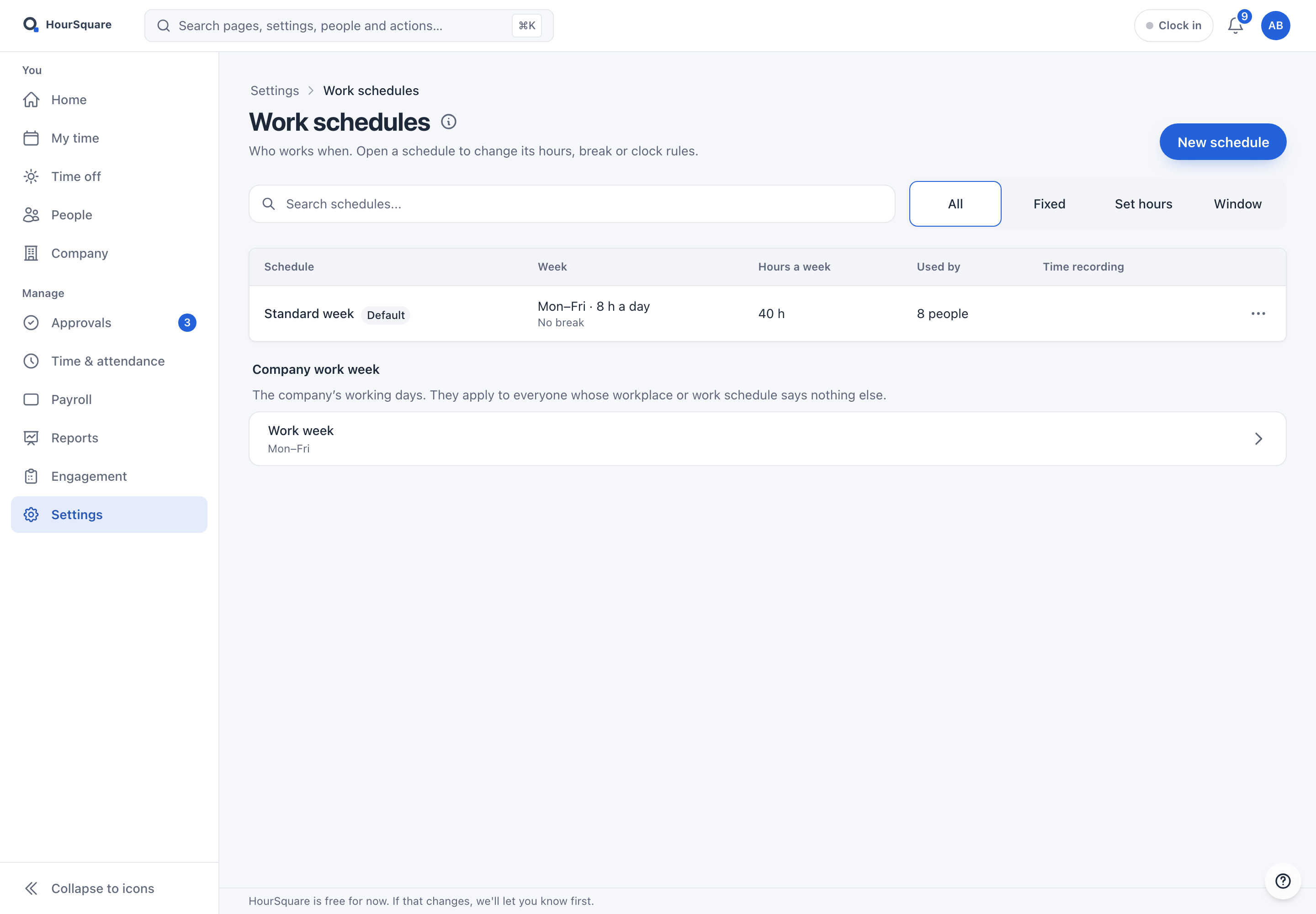
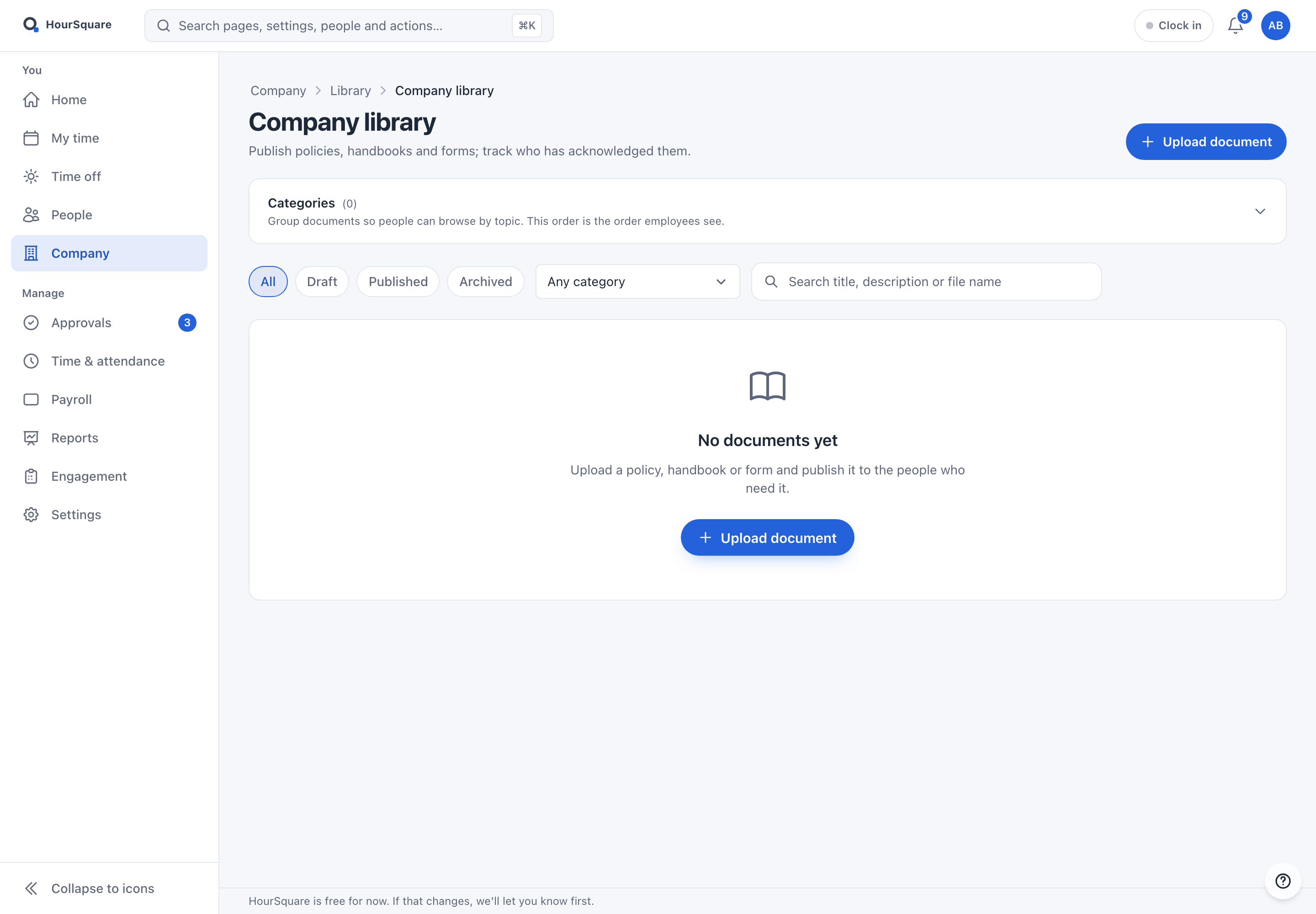
Where a screen is empty or still being set up, the caption says so: that is how a new company sees it.

The full list

Everything on the platform.

The six modules above have their own pages. The rest ship on the same platform — all of it included.

CORE HR

Employee directoryProfiles, contracts, documents and history; add people one by one or in bulk
DepartmentsOrg structure, manager assignments, headcount roll-ups
PositionsJob titles and position management, on the same page as departments
WorkplacesPhysical locations + remote-work setups
Org chartLive reporting-line chart built from the employee record
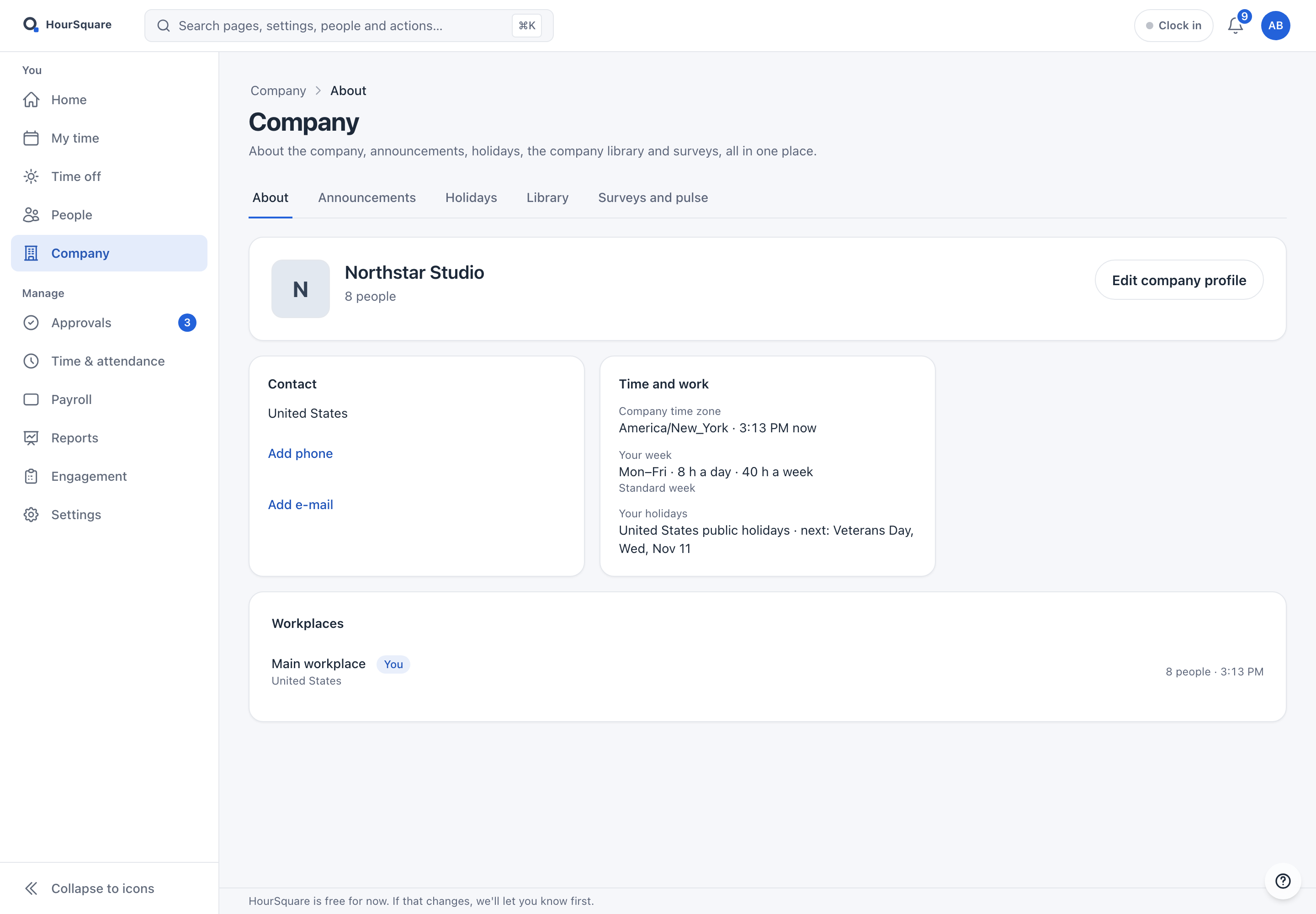
Company profileCompany details, logo and settings, with tenant isolation
Contract templatesText or Word (.docx) templates that fill in a contract from the employee record

WORKFLOW

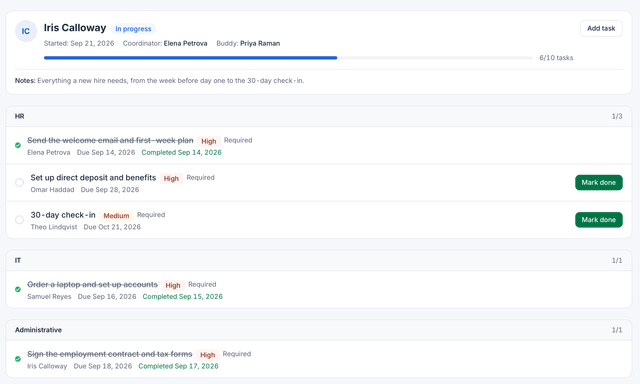
OnboardingAutomated onboarding with multi-owner tasks + nudges
OffboardingLast-day checklists, notice periods, access revocation, contract closure
Checklist templatesOnboarding and offboarding checklists: start from a ready-made one or build your own
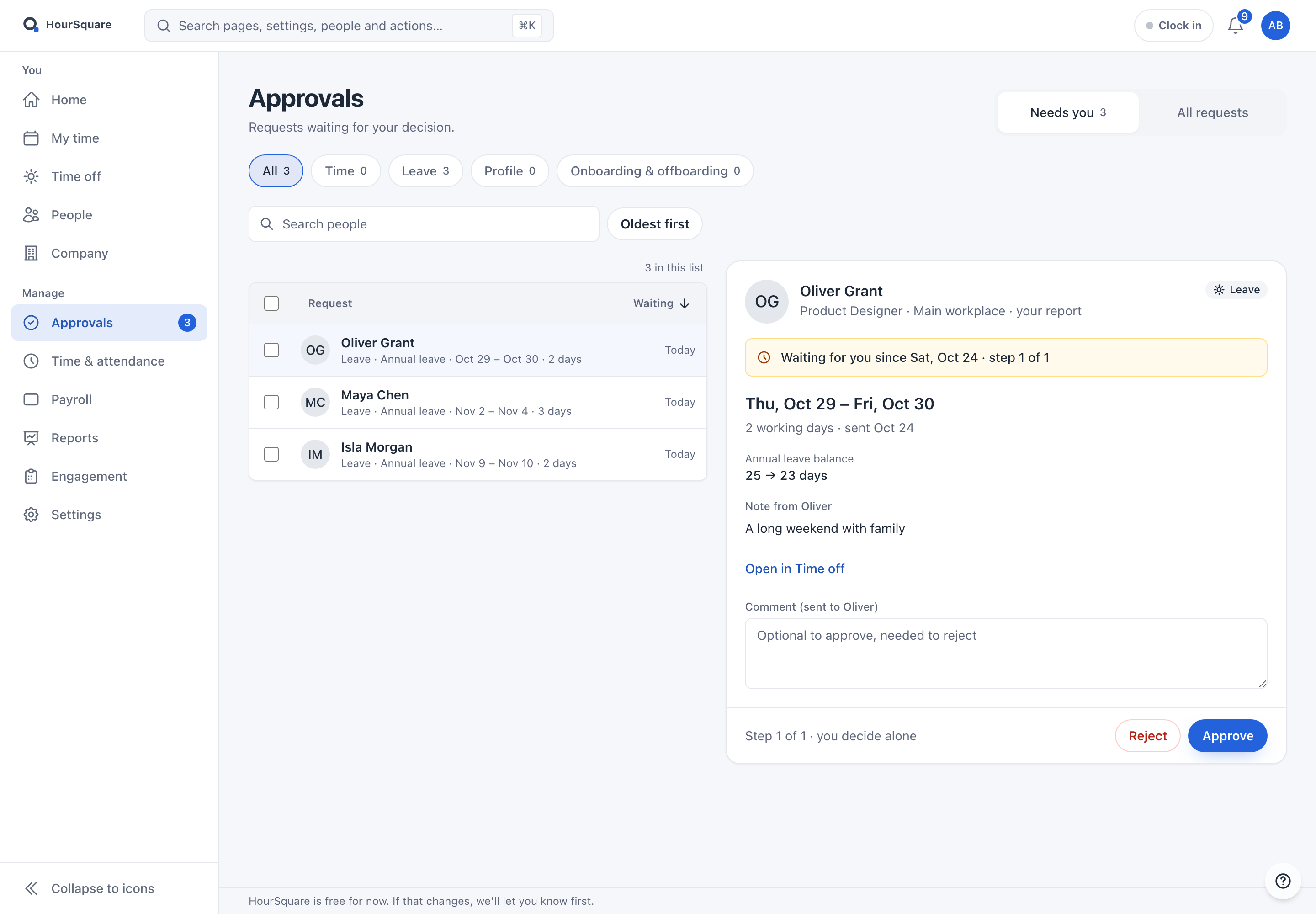
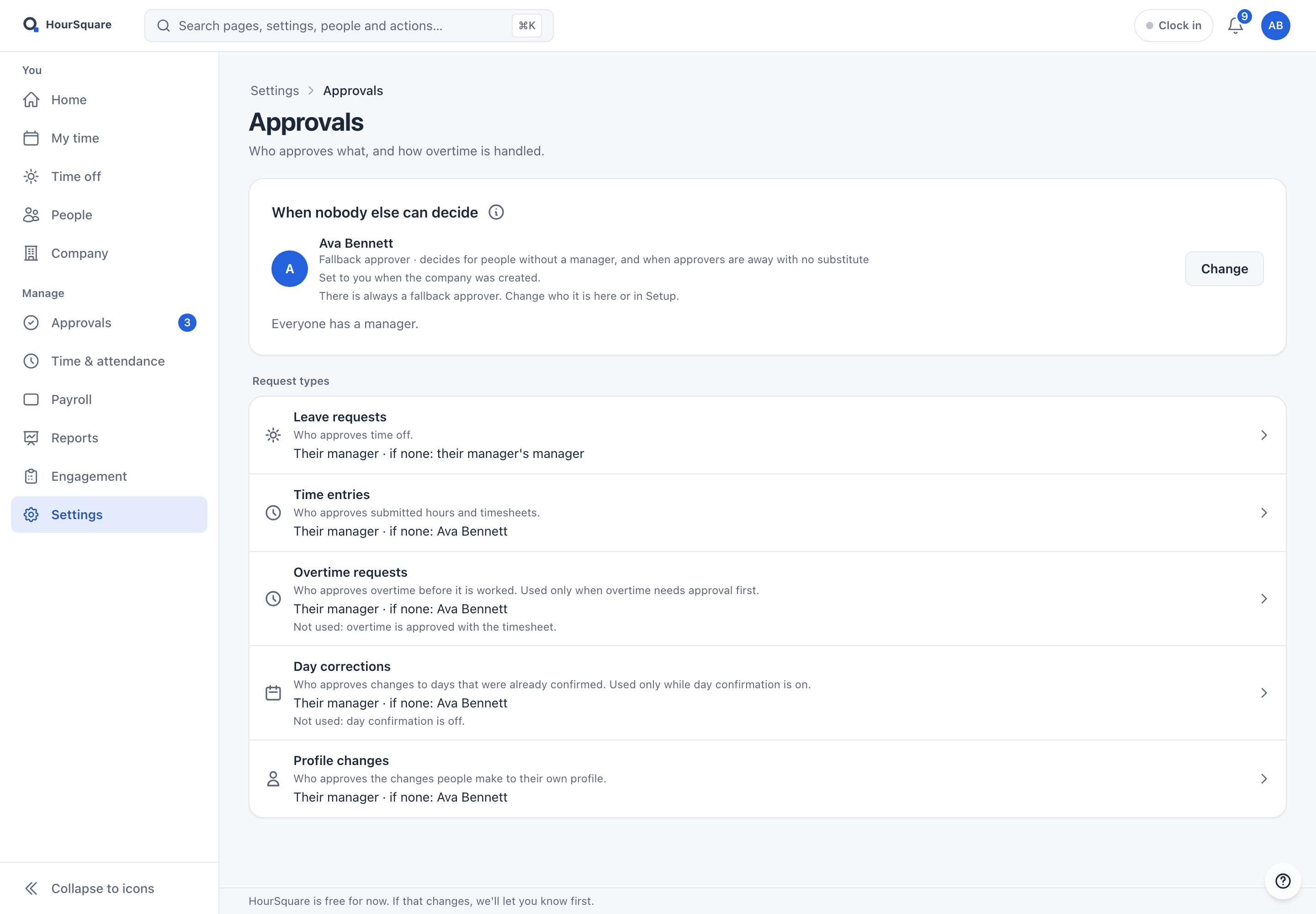
Unified approvalsOne list for leave, time, profile, expense and onboarding requests, with rules for who approves
TasksAction items, assignments, due dates, completion tracking
EquipmentTrack and assign company devices, return on offboarding
Employee servicesA catalogue of services such as parking or a gym, with a price and who pays: company, employee or split

TIME & LEAVE

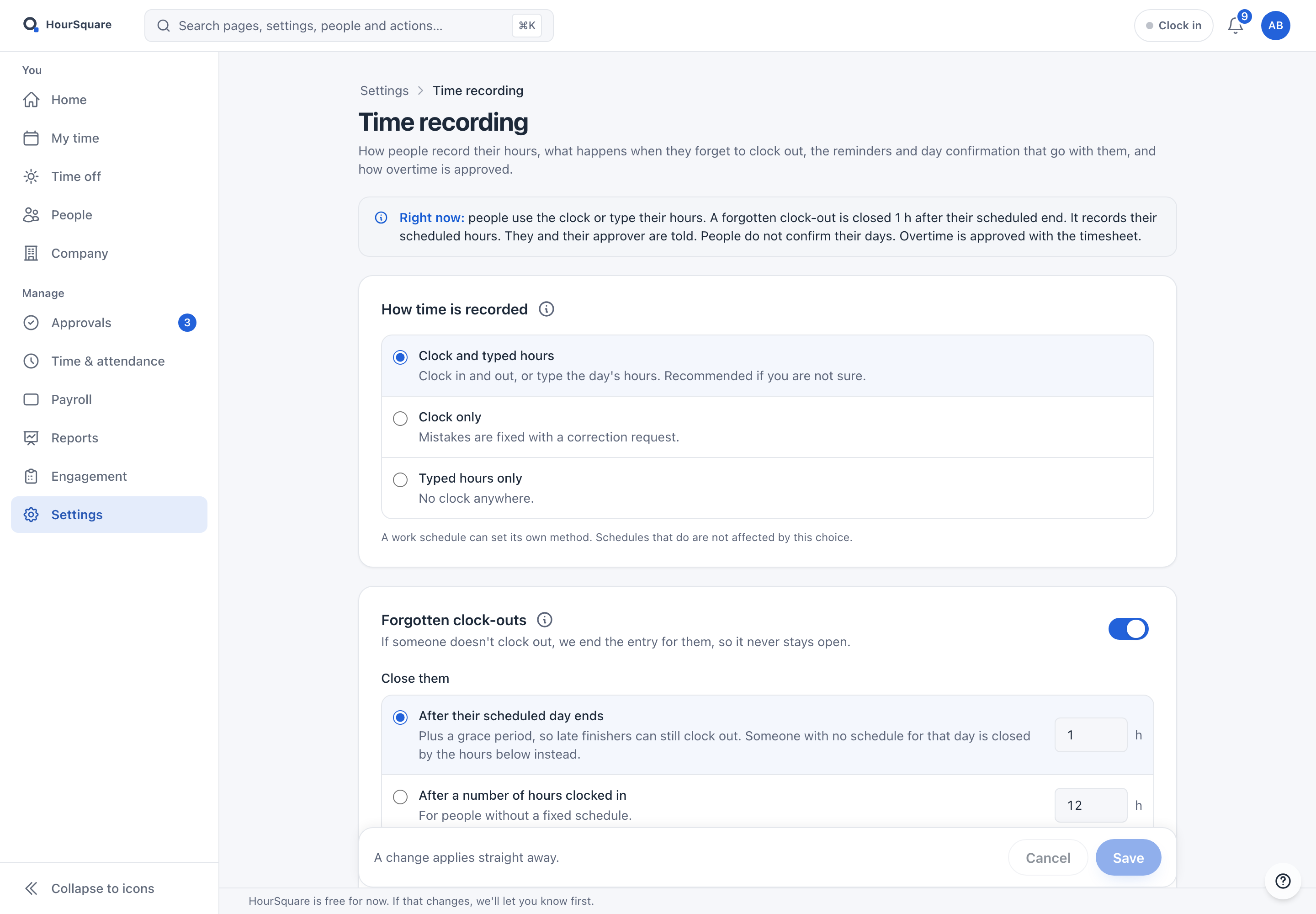
Leave managementDays or hours, half days, accrual, substitutes, carry-over, your own leave yearTime trackingClock in from a browser or phone, timesheets, overtime and who is working today
Work schedulesShift patterns, rotating schedules, working days and week start per workplace
Holiday calendarsPublic holidays by country and region, days you can exclude, your own company days
PayrollRuns, payslips, payment and accountant exports — tax packs for 24+ countries
ExpensesReceipt claims, approvals, paid-by-hand tracking, Excel export — off until the owner turns it on

ENGAGEMENT

Engagement surveysSurveys and recurring pulse checks (eNPS among the templates), anonymous if you choose
Anonymous whistleblowingAnonymous reports with two-way follow-up, built for the EU Directive
AnnouncementsCompany-wide news with drafts and priority; the latest three show on employees’ Home
Company pageAbout the company, announcements, holidays, library and surveys on one page for everyone
Company libraryPolicies, handbooks and forms, with acknowledgements kept by name, time and version

ANALYTICS

AI HR analytics (roadmap)AI summarization + plain-English HR Q&A — on our roadmap
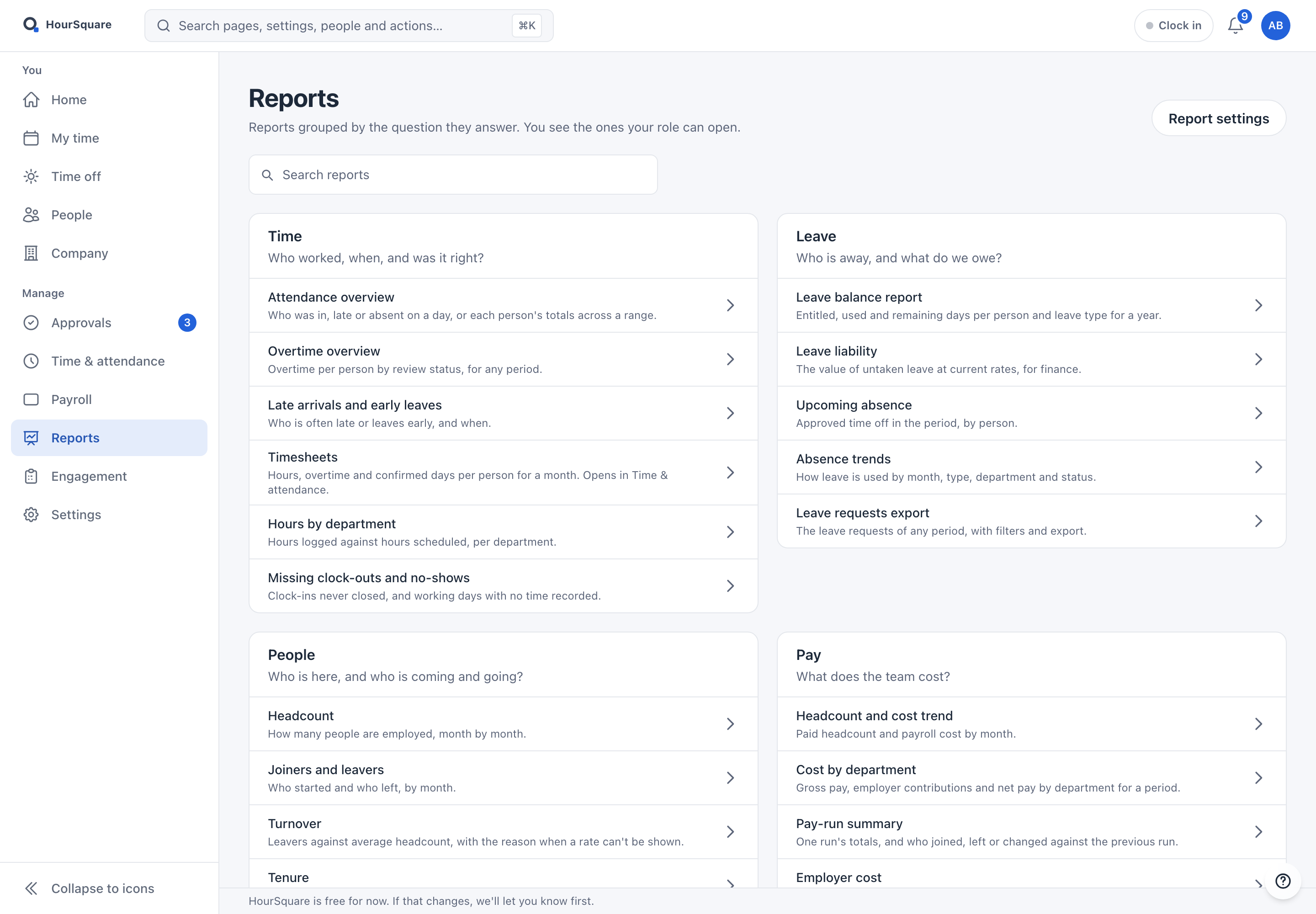
Reports hubTime, leave, people, pay, engagement and compliance reports, grouped by the question they answer
Audit logCompany changes, employee data and access changes with who and when; a sensitive-access report
DashboardsA Home for each role, with widgets people can arrange, or a fixed layout you set

SELF-SERVICE

Self-service profilePersonal data, documents, contracts, equipment — view + edit
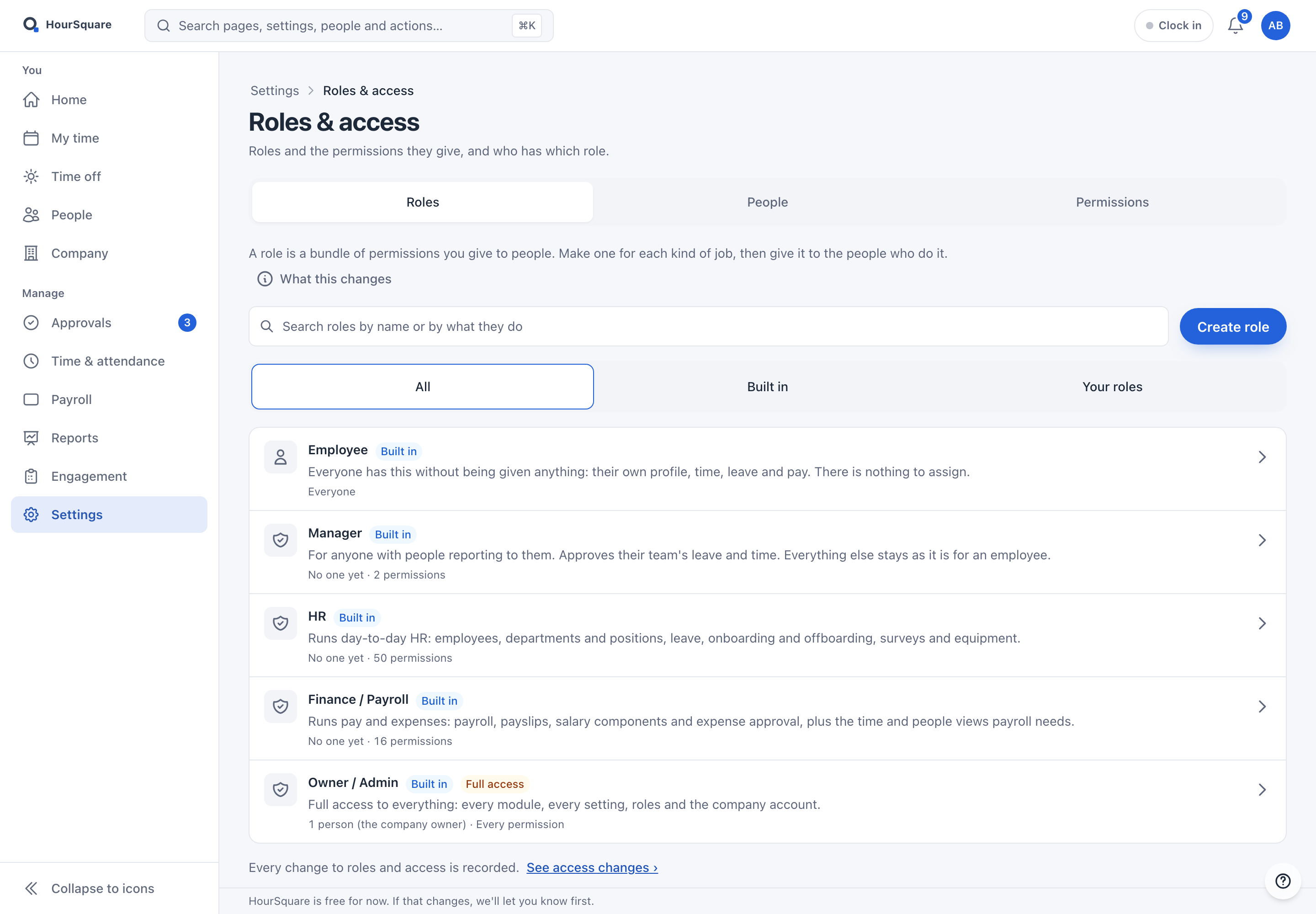
Role-based accessBuilt-in roles, your own roles, and granular permissions per module
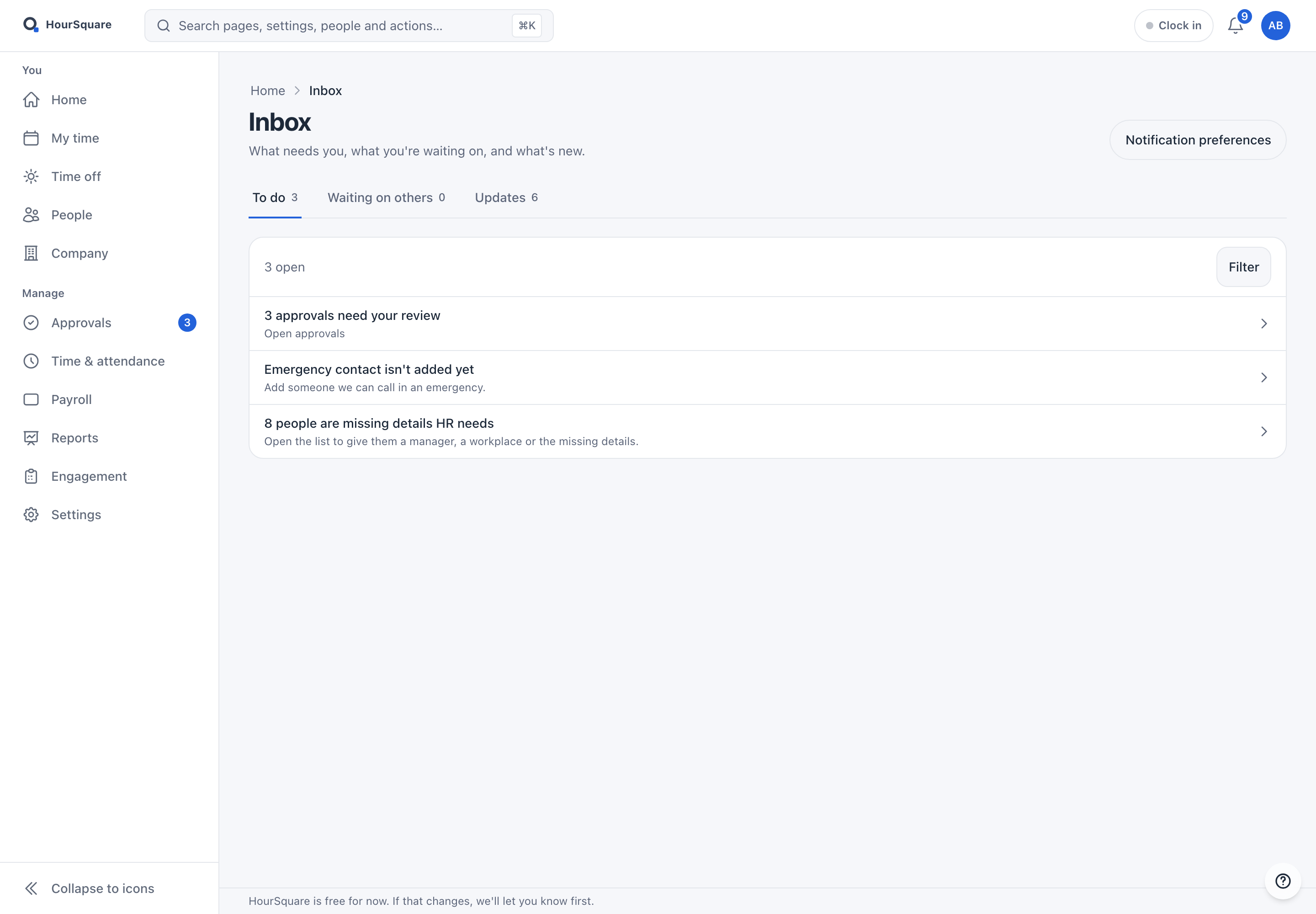
Inbox & notificationsTo do, waiting on others and updates; each person picks e-mail or in-app per kind of message

OPERATIONS

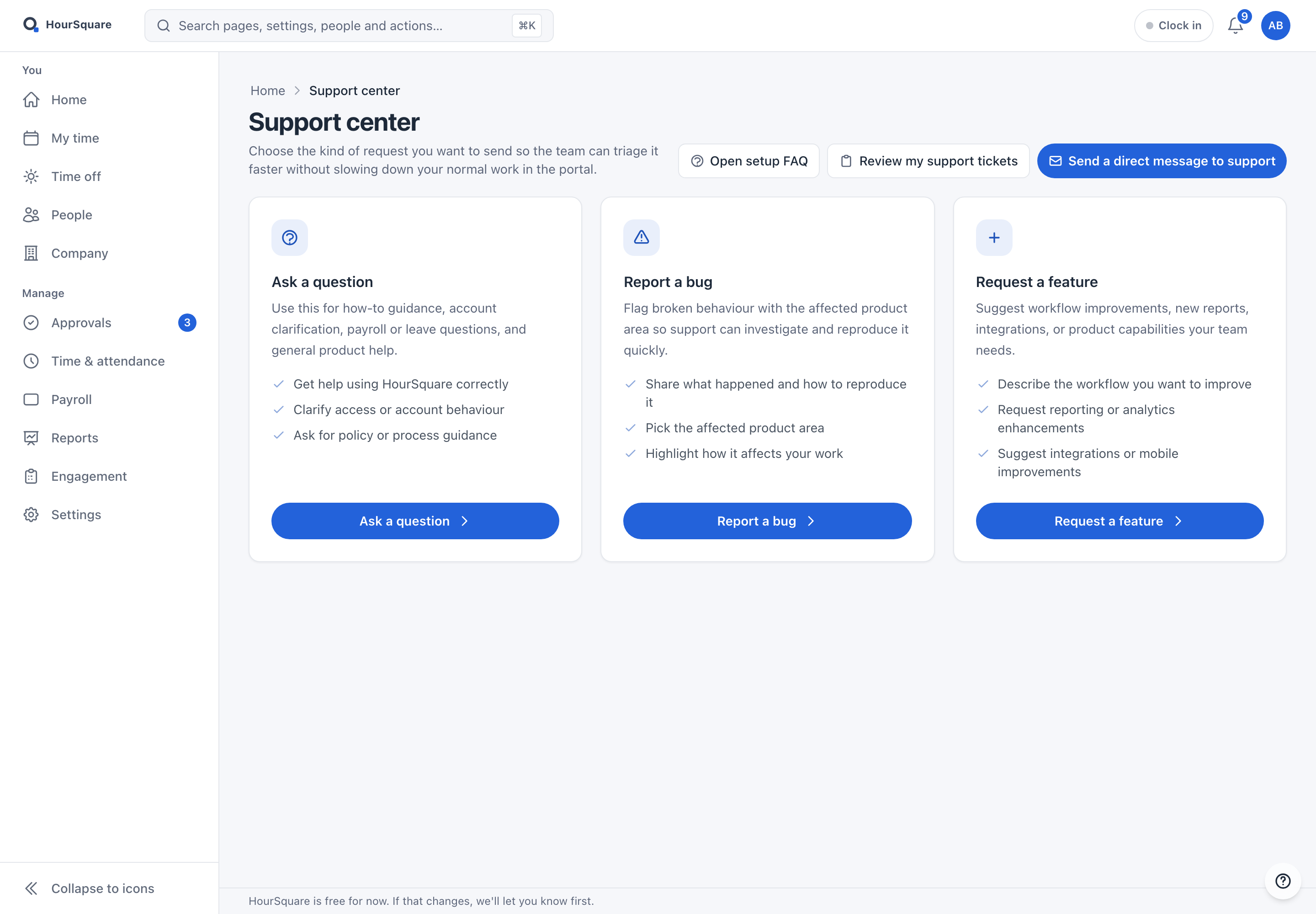
Support centerIn-app FAQ, ticketing, contact form — built-in
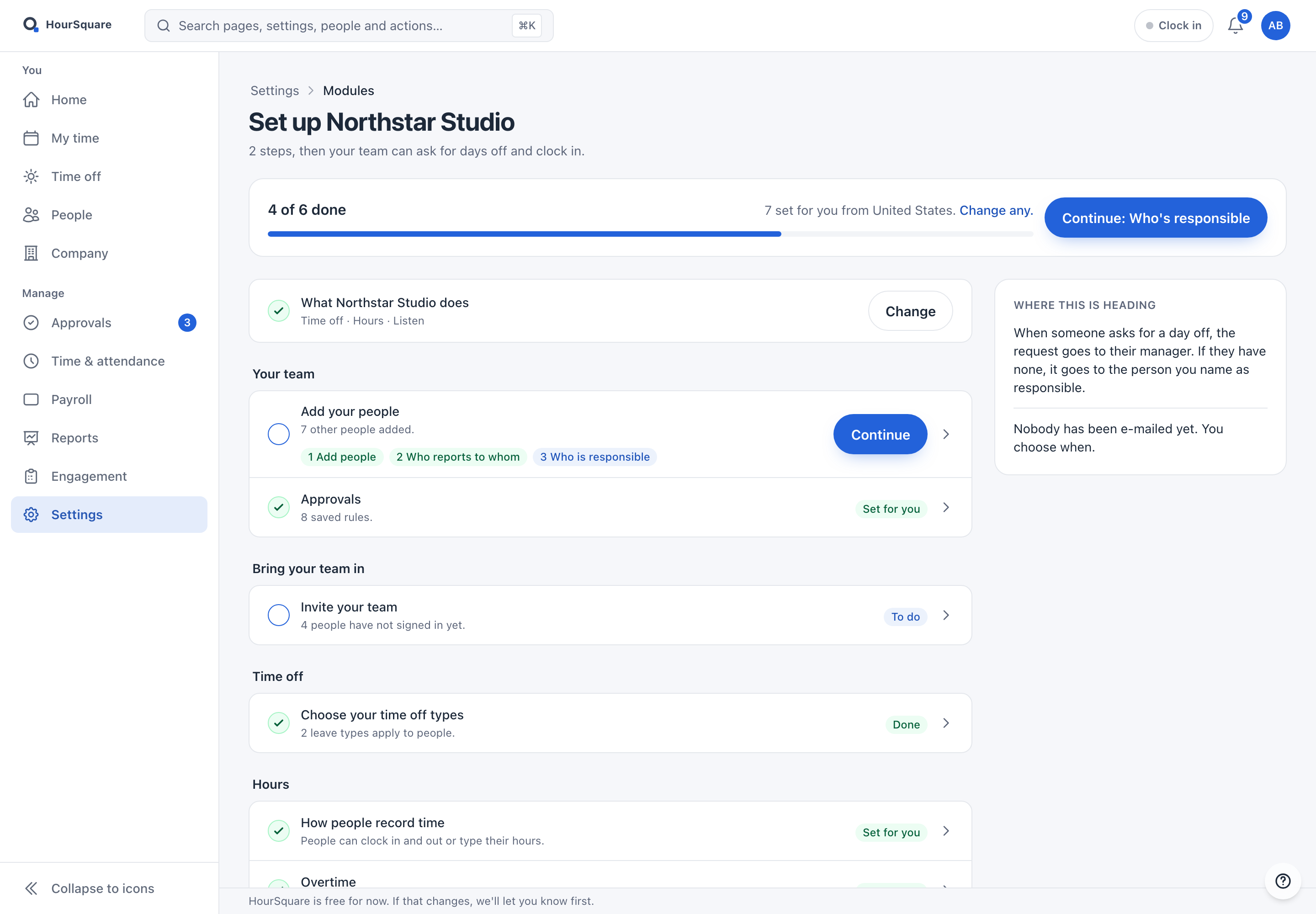
Guided setupCreate the company in three steps, then a checklist with defaults from your country

PLATFORM

Phone layoutThe web app on a phone — clock in, requests, approvals. No native app
GDPR data protectionEU-hosted, sensitive fields encrypted, audit log, export and erasure
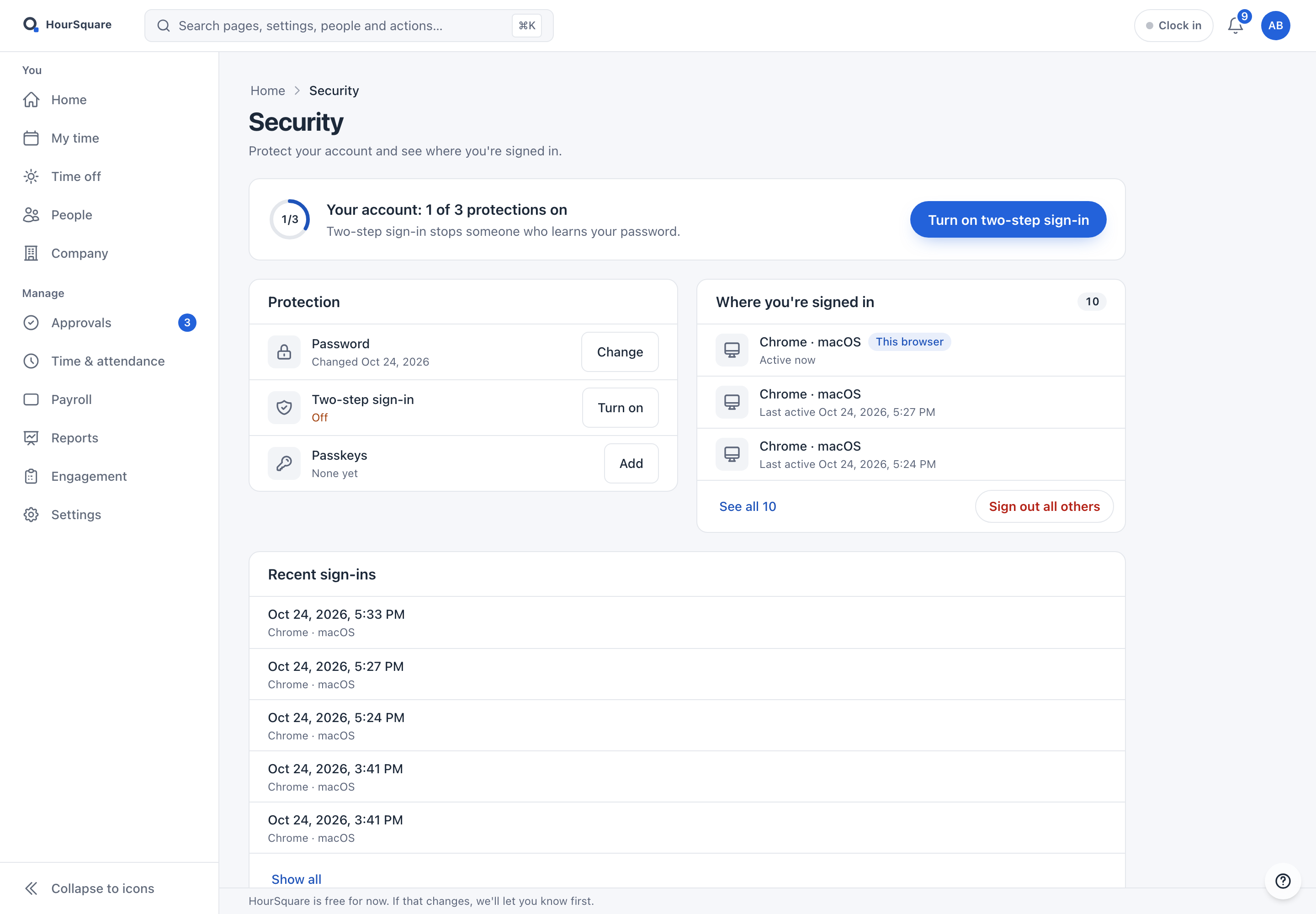
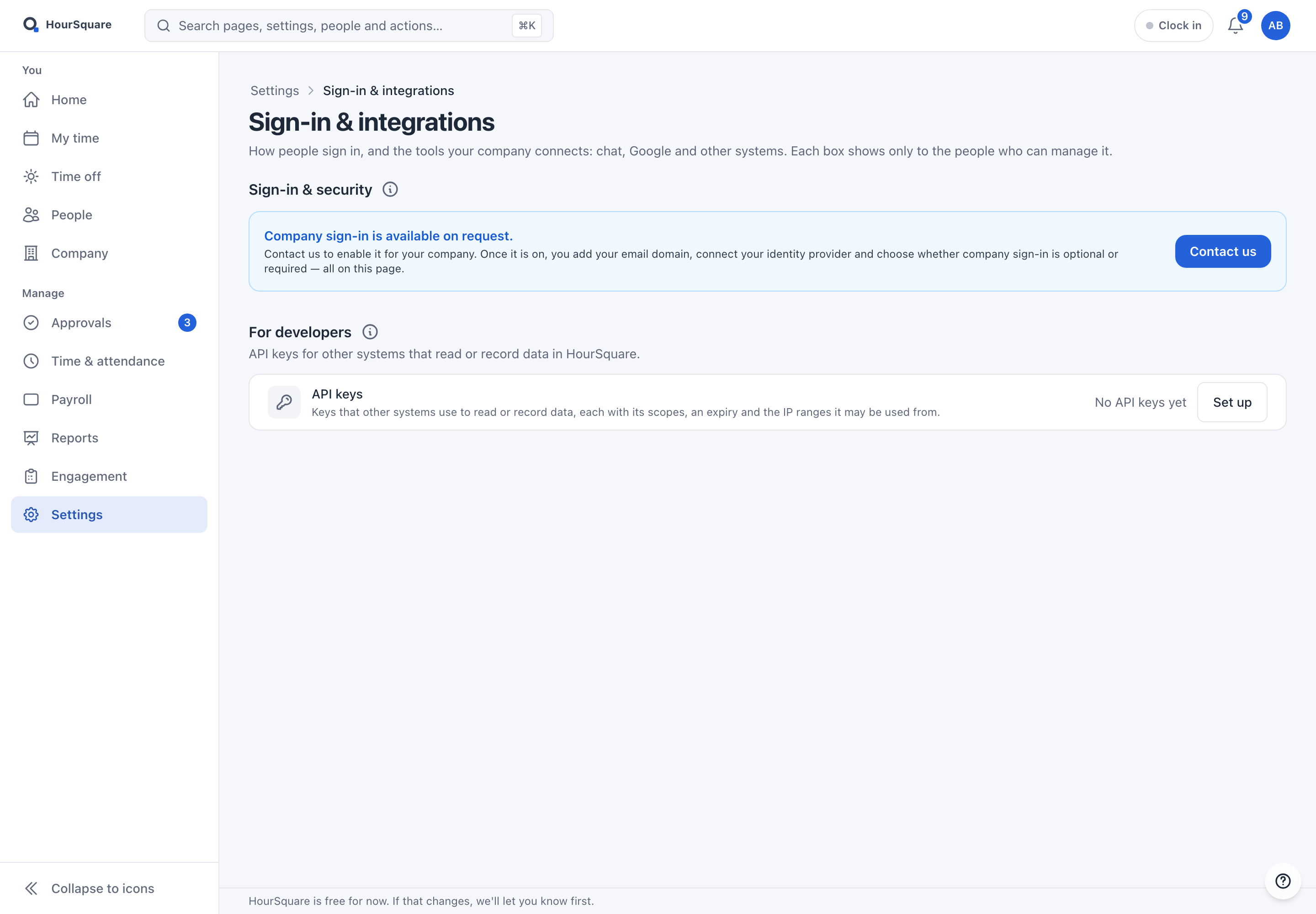
Single sign-onCompany sign-in with Google Workspace, Okta or Microsoft Entra ID on request; 2FA and passkeys for everyone
Public APIAPI keys and OAuth 2.0 for time clocks, employees and time entries
Bilingual UITwo languages today; dates, times and numbers in each person’s own format

Anything marked roadmap is not shipping today — we say so on the page itself.

FAQ

Questions about the product

Short answers to the things people ask before they sign up.

Resources

Do I have to use every module?
No. Switch on the ones you need. Many teams start with onboarding or leave and add payroll later; the employee record is shared either way.
Is every module included?
Yes. Every module is included, with no card to sign up and no trial expiry. HourSquare is free forever for teams of up to 10 people, and free for now for larger teams; we'll tell you before anything changes.
Does HourSquare work for teams outside one country?
Yes. Every module works for a team anywhere. Payroll ships tax packs for 24+ countries, with a pay schedule per country; public holidays and the work week are set per workplace; everyone reads dates and numbers in their own format; and the interface is bilingual.
Can employees use it, or only HR?
Everyone gets a login. Employees request leave, see balances and payslips and complete onboarding tasks; managers approve; admins configure.

Ready when you are

Every module, free forever up to 10 people.

Sign up yourself, switch on the modules you need and invite your team. Larger teams are free for now; we'll tell you first if that changes.

No trial expiry · No card to sign up · GDPR-native · EU-hosted

HOURSQUARE · EST 2026 HR you run yourself.