Timesheets
Employees record the hours they worked, day by day, and submit the period when it is complete.
Time tracking
Timesheets checked against each employee's schedule or shift pattern, approved by their manager, and fed straight into payroll — with no spreadsheet in the middle.
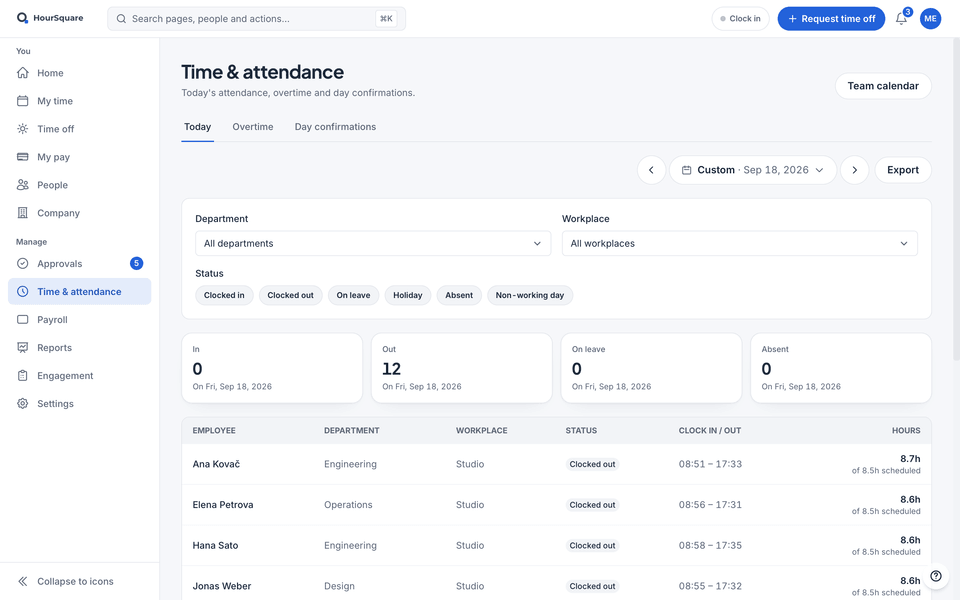
Real HourSquare screens, filled with a made-up demo company.
Each employee has a schedule or shift pattern, so the timesheet shows expected hours next to recorded ones.
Hours count only after the employee's manager approves them.
Approved timesheets flow into the pay run for that period. Nothing is re-keyed.
Capabilities
The pieces that turn recorded hours into something payroll can trust.
Employees record the hours they worked, day by day, and submit the period when it is complete.
Set a fixed schedule or a rotating shift pattern per employee. It defines the hours expected in every period.
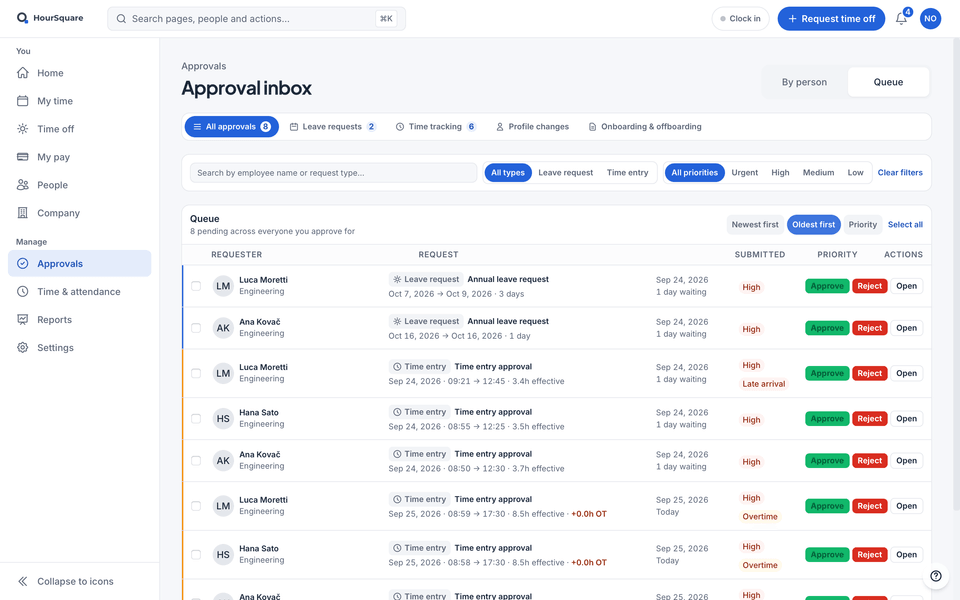
Submitted timesheets go to the employee's manager. They approve or send back in one place.
Once approved, the hours are ready for the pay run without any export or import.
A fixed weekly schedule for office staff and a rotating pattern for shift workers can sit side by side in the same company.
How it flows
The path a timesheet takes through HourSquare, in four steps.
Give each employee a schedule or shift pattern so HourSquare knows the hours they are expected to work.
They record the hours they worked; the schedule sits alongside so gaps are obvious.
Submitted timesheets go to the employee's manager for approval.
The pay run for that period pulls the approved hours in.
Works with
Approved leave appears on the timesheet, and approved hours go into the pay run.
Ready when you are
Free for now, every feature included, no card to sign up. We'll tell you before anything changes.
Free for now · GDPR-native · EU-hosted